


DockPanel is a self-hosted server administration panel that promises to manage websites, databases, Docker apps, Git deploy, DNS, mail, backups and security from a single interface. After a genuine hands-on test in a Linux sandbox, my verdict is simple: the idea is solid and some parts already work well, but I wouldn’t put it in production yet without a serious pilot phase.
What is DockPanel?
DockPanel targets the same territory as HestiaCP, CloudPanel or aaPanel, but with a more modern approach: a backend and agent written in Rust, a React interface, a strong Docker-oriented philosophy, and a CLI for operational automation.
The promise is ambitious. The README lists, among other things:
| Element | What DockPanel claims |
|---|---|
| Stack | Rust, Axum, React 19, Vite, PostgreSQL |
| Usage | Sites, Docker apps, databases, mail, DNS, monitoring |
| Security | WAF, Fail2Ban, SSH hardening, CVE scans, SBOM |
| Automation | CLI, YAML export, Git deploy, webhooks |
| License | Business Source License 1.1, free for personal servers |
In other words, DockPanel wants to be the cockpit of a modern application server. For a freelance DevOps engineer, that’s exactly the kind of tool that saves time, provided the execution lives up to it.
Installing DockPanel: what I actually did
I didn’t just skim the GitHub page. I cloned the repository, read the README, the contribution guide, the Cargo files and the frontend, then built the available parts in my environment.
The repository was cloned at commit: d1e19b7.
On the frontend side, the install and React build went through cleanly:
cd panel/frontend
npm ci
npm run build
Observed result: Vite produced a properly chunked SPA, with pages for sites, databases, apps, security, monitoring, backups, logs, mail and integrations. The build took about ten seconds after dependency installation. NPM also flagged 6 vulnerabilities in the JavaScript dependency tree, including 4 high-severity ones, something worth watching for an administration tool.
On the Rust side, the CLI compiled with Rust 1.85. The agent required Rust 1.96, since some recent dependencies refuse to build on Rust 1.85. After installing stable Rust via rustup, the agent compiled fine.
cargo build --manifest-path panel/cli/Cargo.toml
cargo build --manifest-path panel/agent/Cargo.toml
First meaningful blocker: the agent refuses to start if /var/run/docker.sock is missing. That makes sense for a Docker panel, but it makes the discovery mode less flexible. In my sandbox, there was no real Docker daemon. I was therefore able to test the agent functions that don’t actually talk to Docker, but couldn’t deploy a Docker app end to end.
DockPanel in practice: creating a static site
For a real use case, I launched the DockPanel agent, the CLI, Nginx, then created a static site called scout.local.
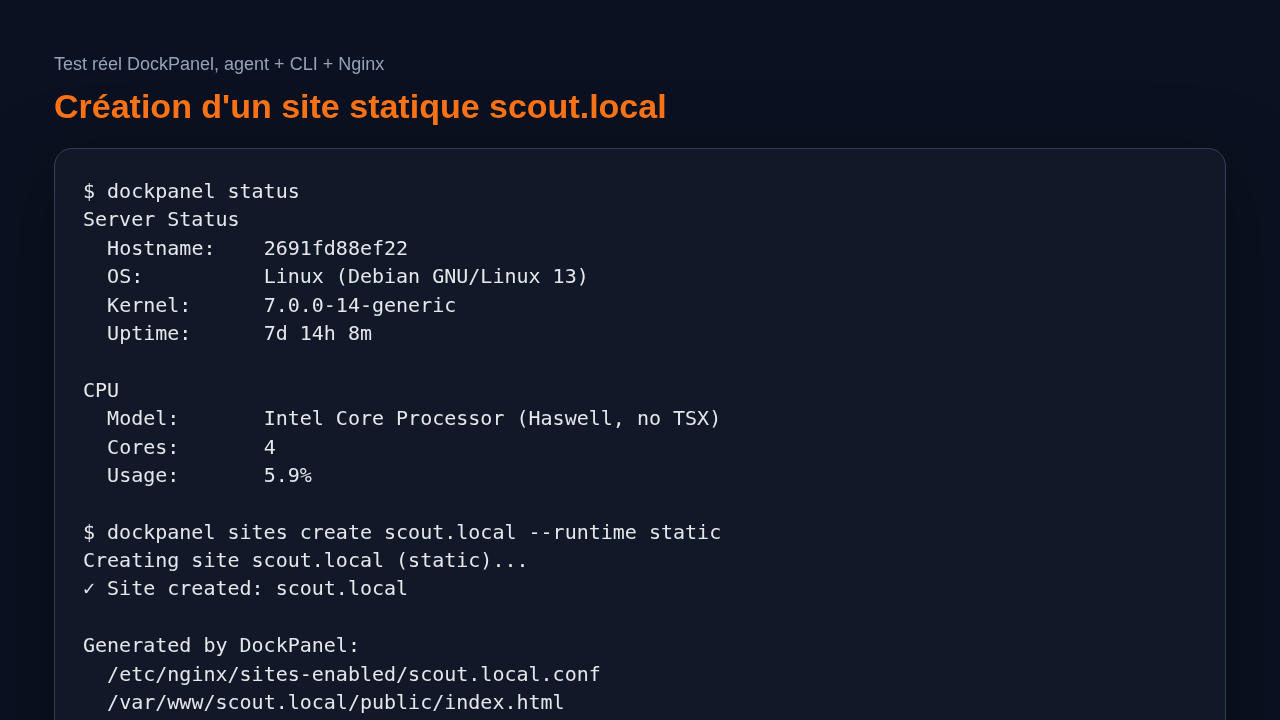
The CLI first responds with a real server status: hostname, OS, kernel, uptime, CPU, RAM, disk and process count.
dockpanel status
It then ran a system diagnostic:
dockpanel diagnose
Result: DockPanel correctly surfaced operational issues, for example Nginx missing before installation, Docker not active, Fail2Ban not active, UFW not active and no swap configured. That’s the kind of concrete feedback I expect from a server panel, not just a decorative dashboard.
I then installed Nginx in the sandbox and created a static site:
dockpanel sites create scout.local --runtime static
This command actually produced something tangible:
- an Nginx config file at
/etc/nginx/sites-enabled/scout.local.conf, - a web root at
/var/www/scout.local/public/, - a default
index.html, - a successful Nginx reload after configuration test.
The served page responded correctly with the content generated by DockPanel:
<h1>Welcome to scout.local</h1>
<p>Site is ready. Upload your files to replace this page.</p>
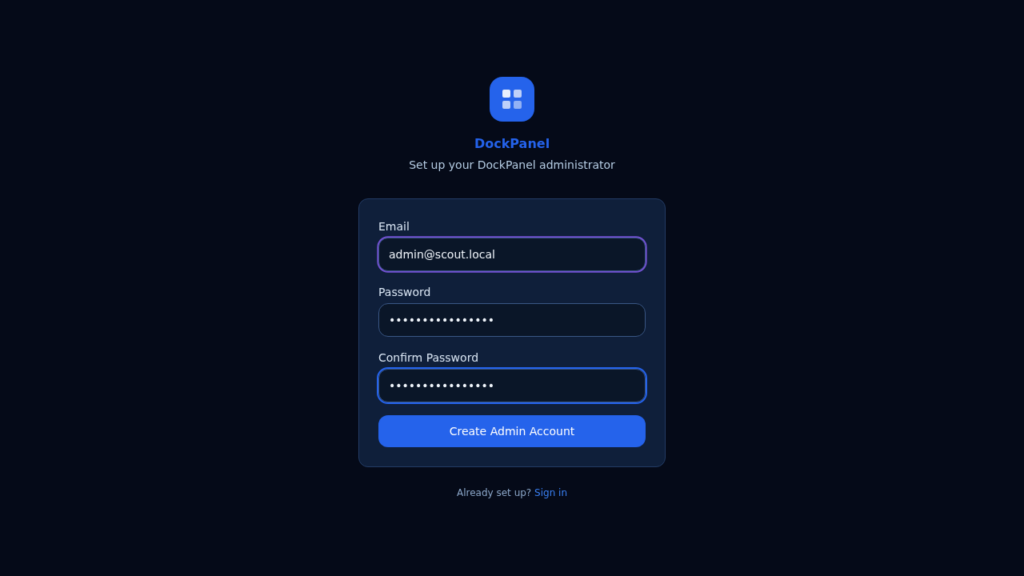
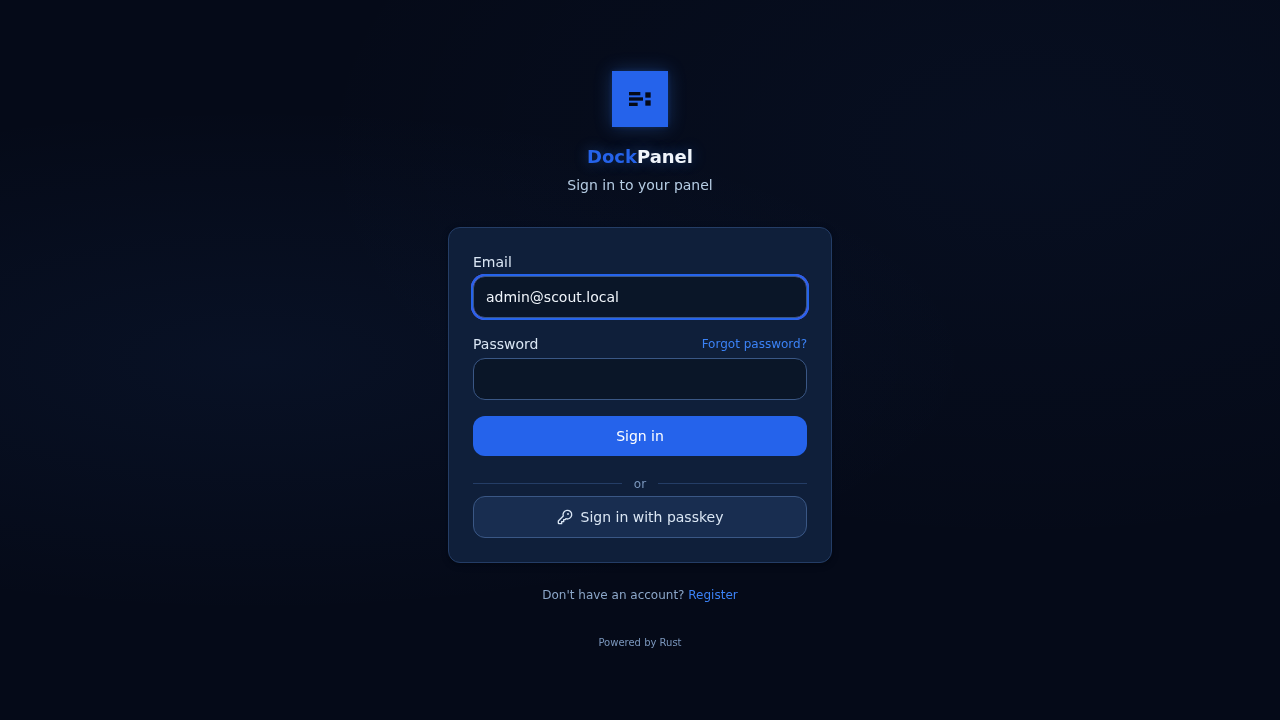
I also launched the frontend with Vite and captured the admin setup screen. The interface is clean, dark, minimal and gets straight to the point. You can tell the project already has a lot of product surface area.
What I like about DockPanel
The first strong point is the separation between agent, API, frontend and CLI. For a tool that touches the system, that’s a healthier architecture than a large PHP monolith that runs everything from the web.
The CLI is also a genuinely good idea. It makes it possible to integrate DockPanel into scripts, runbooks or lightweight GitOps automation. In my test, status, diagnose, apps templates and sites create all produce readable output.
Another positive: the product doesn’t just display screens. Creating a site generates a real Nginx config, creates a web directory, tests the config, then reloads Nginx. That’s concrete.
I also appreciate the breadth of planned features: Docker templates, security, monitoring, backups, secrets, webhooks, YAML export. Even if not everything was validated end to end in this test, the code structure reflects serious ambition.
The limitations of DockPanel
The first limitation is operational maturity. The official installation assumes a server with Docker, Nginx, root privileges and the right system paths. That’s normal for this type of tool, but it leaves little room for a simple local mode to evaluate the product.
Second limitation: the agent depends heavily on Docker at startup. In my environment without a Docker daemon, it doesn’t start as-is. I had to work around that to test the non-Docker routes. In my view, an administration agent should be able to start in degraded mode and simply mark Docker-dependent features as unavailable.
Third limitation: the frontend builds fine, but running the full stack (API, PostgreSQL and agent together) requires more preparation than the README suggests. The panel’s docker-compose exists, but without a usable Docker daemon in the sandbox, there was no way to validate the databases, Docker apps or the full web API.
Finally, the NPM signal on frontend vulnerabilities deserves follow-up. On a panel exposed to admins, even a build dependency is worth taking seriously.
Does DockPanel actually work?
Yes, partially and concretely. In my test, DockPanel compiled, the frontend launched, the CLI queried the agent, the diagnostic detected the real state of the machine, the list of 152 app templates came back correctly, and creating a static site generated a working Nginx config and a served web page.
No, I didn’t validate the full promise. I couldn’t deploy a Docker app, test Git deploy, mail management, backups, DNS or CVE scans under real conditions, due to the lack of a Docker daemon in the test environment.
The fair summary: the foundations are there, but the product needs to be tried on a real throwaway VPS before any production decision.
Should you adopt DockPanel?
For a homelab or a test VPS, I’d say: give DockPanel a try, especially if you like modern panels and CLI automation. There’s enough substance to merit a serious look.
For a client production server, my verdict is more cautious: wait, or run an isolated pilot. The scope is very broad, the agent runs with elevated privileges, and the critical features deserve extended testing.
For a freelance security and DevOps engineer, DockPanel is interesting as a lab project: it shows a modern path to replacing old panels, with Rust, React and a more infrastructure-native approach. But I wouldn’t sell it yet as a stable building block without full validation on a VPS.
FAQ
Can DockPanel replace HestiaCP or CloudPanel?
Maybe, but not without testing. DockPanel has broader ambitions, particularly around Docker and CLI, but stability needs to be validated on a real server first.
Does DockPanel require Docker?
Yes, in practice. The agent expects Docker to be present, and many of the key features revolve around containerized apps.
Is DockPanel production-ready?
I’d place it at the advanced trial stage. It works on concrete features, but I’d recommend a throwaway VPS, backups and a security review before any client use.